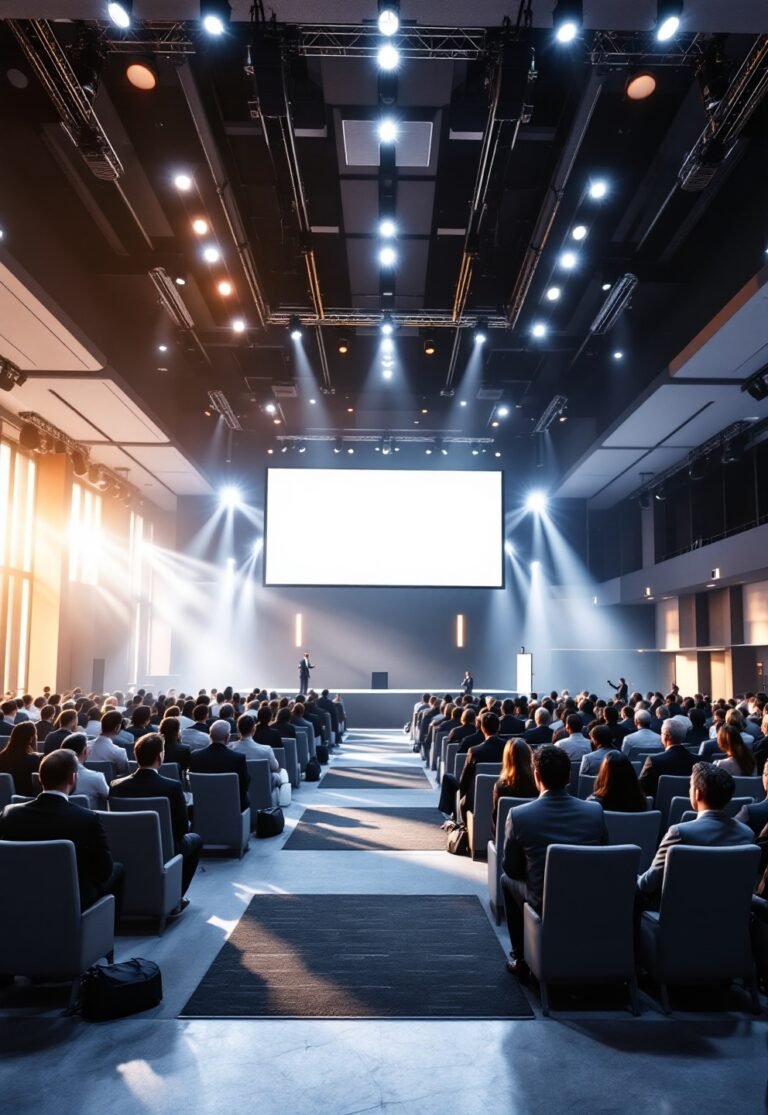
Venues With AV Technology Included: Check This Before You Sign

Venue with AV technology included: If you’ve ever signed a venue contract only to discover last-minute “AV included” really meant vintage projectors, patchy Wi-Fi, or surprise add-on costs, you know this label is more marketing than guarantee. This practical playbook shows you how to quickly verify if a tech-enabled event venue hire truly delivers hybrid-ready, professional-grade AV—so there are no panic calls or budget blowouts when your conference or hybrid event goes live.
Key Takeaways
- “AV included” alone is never enough—planners must verify full specs, documentation, and on-site test results before committing.
- Common failures include poor Wi-Fi, outdated displays, lack of redundancy, and missing support—don’t trust claims, demand written details and real demos.
- Choosing the right venue with AV technology included can lower total risk and external spend, but only when tech is genuinely built-in and hybrid-ready.
- What “AV-Included” Really Means in 2026
- Five Steps to Vet AV-Included Venue Claims
- Where AV Promises Break: Bandwidth, Redundancy and Support
- Never Take “AV Included” at Face Value
- FAQ
What “AV-Included” Really Means in 2026
A “venue with AV technology included” might once have covered a flipchart stand and squeaky PA. In 2026, that is no longer enough. A dramatic shift is underway: the global meetings and events market is exploding, projected at $1,245.8 billion in 2025—driven by hybrid events and integrated technology. Planners now rate hybrid capability, streaming, and professional AV as baseline requirements, not upgrades. Venue trends warn: “A visually stunning space with poor Wi-Fi or acoustic problems will fail. Technical setup must come before design.”
That means procurement leaders and event planners—whether in-house or at agencies—must establish hard requirements for in-house AV, test every promise, and get documentation in writing. Flexible event spaces and built-in tech are no longer nice-to-have. Before shortlisting or signing, use resources such as the Ultimate Event Planning Guide and regularly browse the Eventory blog for hybrid event inspiration and detailed sourcing frameworks. Or see actionable checklists on our event inspiration ideas page.
Currently, no dataset breaks out the precise percent of venues truly offering professional in-house AV, hybrid streaming, and enterprise-grade network access. Stats are inferred from broader event tech adoption research (Cvent 2026: 41% of planners prioritize spaces with tech integration/flexibility). With no official baseline, buyer diligence—via technical checklists and live demos—matters more than ever.
Five Steps to Vet AV-Included Venue Claims
Start by mapping out your event’s production and streaming needs on a single page. Use the plan your event workspace to define session counts, attendee numbers (local and remote), and required formats. For budgeting, the event budget calculator, event catering calculator, and guest list calculator speed up projections and inform your technical minimums.
1. Define Your Hybrid & AV Requirements
- List every key production feature you need: main stage display (resolution/size), audio zones with coverage, hybrid streaming platform(s), minimum concurrent device and platform loads, etc.
- Decide if you need multi-camera streaming, live audience Q&A, translation channels, or special accessibility features.
2. Create an RFP or Shortlisting Checklist
- Specify numerical minimums: e.g. main stage LED/laser display must be true 4K; audio SPL coverage 85–95 dB (evenly) across space; Wi-Fi must be Wi-Fi 6+, with at least 20–50 Mbps per HD stream, plus Cat6 wired ports for production areas.
- Require explicit written answers for each: brand/model/firmware for projectors, screens, switches, mixing desks, microphones, routers.
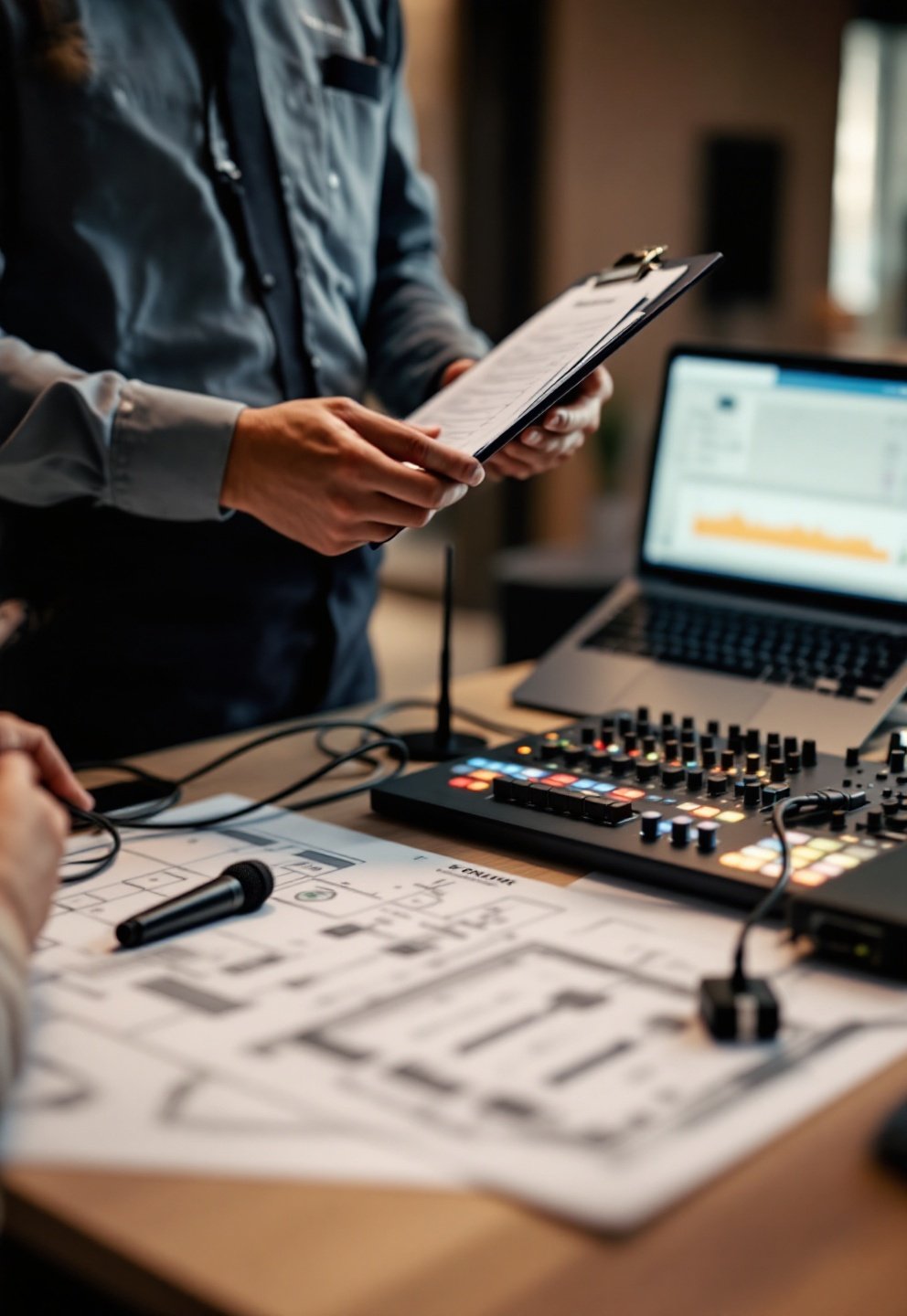
3. Demand Live Demonstrations and Bandwidth Tests
- Schedule a walkthrough—insist on seeing and hearing the system in operation, not just a list of “available equipment.”
- Bring your own laptop/camera and stream a real feed: measure latency, jitter, and quality at both the venue and viewer end.
- Test Wi-Fi with 30–50 borrowed devices if possible to simulate event-day loads.
4. Verify Documentation and Redundancy
- Request circuit diagrams and confirmation of power capacity (amps per zone), not just “plugs available.”
- Get a sample AV event plan (showing last 3 events run in-house).
- Require redundancy plans: backup internet uplink, second encoder, spare microphones, and on-site engineer hours.
5. Lock in Your SLA and Acceptance Tests
- Insert clauses: “Venue shall provide minimum [X] Mbps dedicated wired uplink; [Y] hours of on-site AV engineer coverage; failed gear replaced within [Z] minutes.”
- Add: “AV system will pass acceptance test (see attached checklist)—failure triggers right to bring in external AV at no penalty.” (Use the printable checklist at the end of this guide.)
Where AV Promises Break: Bandwidth, Redundancy and Support
Even in 2026, a glossy “hybrid event venue with streaming” claim means little if you don’t test for specific technical and support failures. Industry analysis and reports like NABOO’s US Venue Trends and DataIntelo’s event tech study cite these as the most common points of costly failure:
- Poor Wi-Fi or wired bandwidth – Main culprit for failed streams and platform disconnects. Even luxury venues may advertise “high speed wifi event venue” but only offer consumer-grade, overloaded networks. Always test during your site visit—and get a written SLA (service-level agreement).
- Low-grade projection/LED – “Venue with built-in LED screen hire” is often a low-resolution, dim display inappropriate for hybrid or professional broadcast. Confirm both make/model/IO and do a live presentation test. Check product reviews of event tech and displays to benchmark your standards.
- Audio issues – Uneven sound, dead zones, feedback. Planners frequently report these cause hybrid and in-person engagement to drop.
- Insufficient power & lacking redundancy – Tripping circuits, lost live feed; rarely disclosed in marketing materials. Verify available amperage and location of dedicated, clean power circuits.
- No staff or unclear support responsibility – Is there an on-site AV tech present and responsible, or just “call the front desk” only when something breaks?
- Missing documentation – “AV included” invoices with no make/model/diagrams; no clear plan for failed gear replacement.
- Hidden costs – Base rent is higher for tech-enabled event venue hire, but lack of included support or need to “upgrade” brings in surprise external AV spend. Without true AV capability, costs rapidly balloon.
| Feature | Minimum Acceptable (“AV Included” Venue) | True Hybrid-Ready Venue | Typical Failure Mode |
|---|---|---|---|
| Display / LED | Full HD (1920×1080), basic projector | 4K LED wall, 500–700 nits, multiple inputs | Low brightness, poor color, no modern IO |
| Audio | Single PA, handful of mics | Zoned, even SPL (85–95 dB), digital mixing, separate mixes (room & stream) | Feedback, dead zones, no remote mix |
| Network | General Wi-Fi, no bandwidth SLA | Wi-Fi 6+, ≥20–50 Mbps/HD stream, Cat6 wired prod, redundant uplink | Stream drops, app disconnects |
| Power | Wall sockets (no details) | Documented circuit maps, clean power, UPS for AV/streaming | Trips, brownouts, no backup supplies |
| Redundancy | None | Backup internet, spare encoder/mics, instant swap plan | Event disrupted by single point of failure |
| Support | General staff, call out | On-site AV/streaming tech, full doc/QS | No help, no escalation path during show |
Extra pitfall: Acoustic treatment is often skipped entirely. If the venue’s only answer is “we have a mic for you,” check reverberation time and whether any panels are in place for speech clarity—especially for hybrid sessions.
To dig deeper into event design and ensure you’re not missing critical decor or entertainment elements that depend on AV, review our guides on event decorator hiring and entertainment services, plus actionable event inspiration ideas.
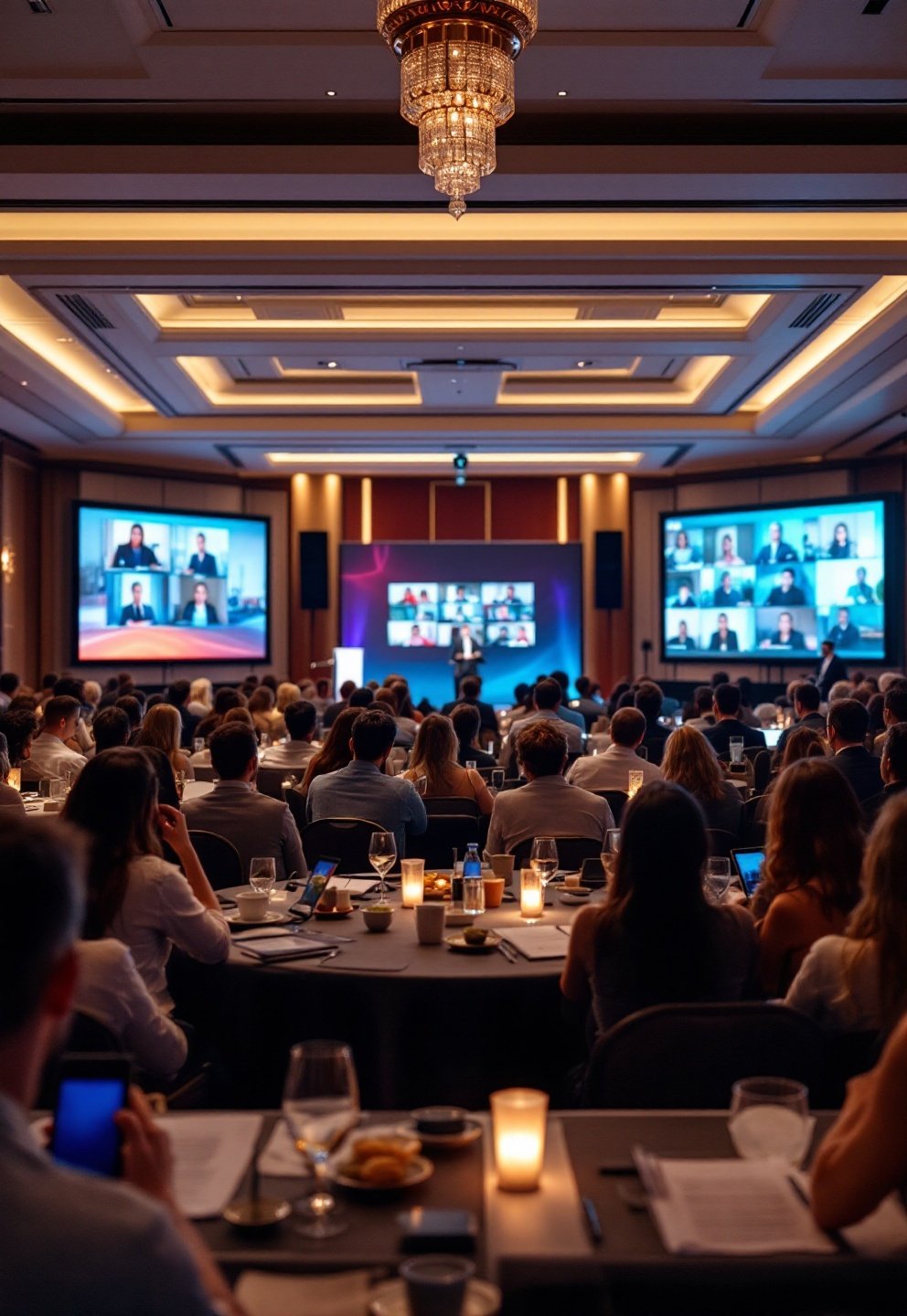
For benchmarking products, decor, and interactive event elements (photo booths, LED screens, display tech), always consult up-to-date product reviews and cross-check with the venue’s actual onsite equipment.
Never Take “AV Included” at Face Value
Never take “venue with AV technology included” at face value. Hybrid and tech-enabled event venue hire are driving the fastest market growth—and expectations are rising just as quickly. But evidence from industry research, including DataIntelo and NABOO, shows that transparency, documentation, and in-person testing are essential for every planner and procurement professional. Book only once you’ve seen, tested, and documented the tech. For step-by-step templates, RFP language, and checklists, use the Ultimate Event Planning Guide or try the plan your event tool to streamline your next venue search.
FAQ
What is a “venue with AV technology included” in 2026?
It means the event space provides in-house audio-visual capability—such as modern display screens, projectors, sound systems, and often network infrastructure—without needing to bring in all external AV suppliers. However, definitions vary wildly, so you must verify that included AV is up-to-date, professional grade, and hybrid-ready via documentation and site testing.
What’s the biggest hidden risk with AV-included venues?
The most common issues are weak or unreliable Wi-Fi, outdated or insufficient displays, poor audio coverage, and lack of redundant power or support. Many venues advertise “high-speed Wi-Fi” or “professional AV,” but hidden gaps often require expensive last-minute fixes.
How do I quickly verify a venue’s AV and streaming capability?
Follow a checklist that requires written AV inventory (brand/model/inputs), bandwidth test results, live gear demonstration, and documentation of redundancy plans and staff support. Insist on an acceptance test—never rely solely on sales claims or PDFs.
Is it more cost-effective to choose tech-enabled venues over “bare” spaces with external AV?
While base rent is typically higher for tech-enabled event venue hire, you generally spend less on external AV, logistics, and risk management. Total cost depends on the venue’s real capabilities and your needs. Use an event budget calculator to compare both models in detail.
Can I see a sample acceptance test checklist?
Yes, use this quick on-site AV acceptance checklist:
- Display test: correct resolution, visible from all seats
- Audio walk: test mic coverage in every zone
- Wi-Fi and wired uplink test: speed and stability
- Stream test: run a 10-minute broadcast with venue encoder
- Check power: amperage and redundant power circuits
- Spare gear: verify backup microphones/cables on hand
- Staff: get contact and certification of on-site AV tech