How to vet an AI photo booth event without surprises
- Market snapshot — why now is the moment to add AI photo booth events
- What “real” AI means — technical features that separate genuine AI booths from filter-only booths
- How to verify vendor claims — a practical checklist for demos and RFPs
- Throughput, reliability and staffing — operational metrics that matter onsite
- Pricing models & typical cost expectations
- Use-case playbook — weddings, corporate activations, and brand activations
- Gaps to exploit — high-value features missing from current vendor offers
- Common problems event planners report (or should expect) — and how to prevent them
- Measuring success — the metrics to demand and analytics to expect
- Technical spec sheet to include in your RFP
- Short vendor negotiation playbook
- Recommended content assets for your event page
Market snapshot — why now is the moment to add AI photo booth events
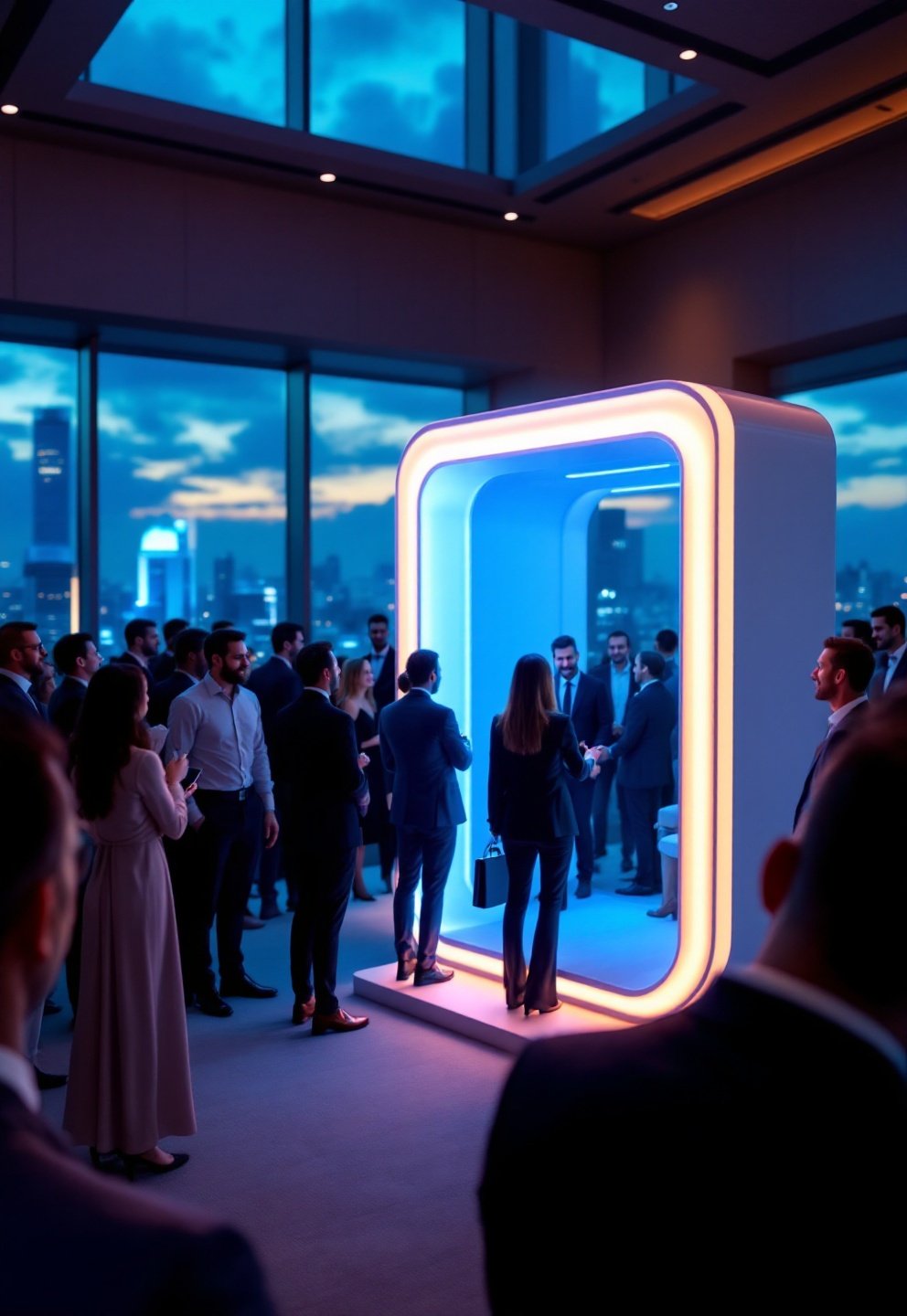
AI powered photo booth rentals are more than a technology fad — recent numbers confirm an inflection point. From 2025 to 2026, the global photo booth market is expected to nearly double, from USD 749.67M to 1.56B by 2034 (9.6% CAGR). Within that, AI booths are a surging slice: vendor data shows AI photo booth bookings rose 340% since 2024, with market share jumping from 5% to 8% in a single year (2025–2026).
Expectations are evolving: 35% of new booth models in 2025 now include AI features, turning AI from a novelty into a core design consideration. While overall wedding booths climbed from 52% adoption in 2020 to 68% by 2026, it’s the corporate and brand activation segments embracing true AI photo booth events fastest—at premium price points and with bigger creative ambitions.
- Market is moving from “should we?” toward “how do we pick the right AI booth?”
- Budgets are following: premium paid for CRM capture, branded assets, and social-ready content
- Analytics and reliability are now critical for agency planners (not just novelty value)
What “real” AI means — technical features that separate genuine AI booths from filter-only booths
Not all AI photo booth event solutions are truly intelligent. A real generative AI photo booth hire delivers:
- Generative scene synthesis (e.g., placing guests in original, AI-built environments—think magazine covers or fantasy worlds, not stock backgrounds)
- Real-time style transfer (guests choose a visual “look” that’s applied instantly—beyond what static filters offer)
- headshot enhancement (polished, LinkedIn-ready photos via algorithmic retouching)
- Emotion detection (the AI suggests poses or styles based on guest expressions)
- Personalized filter suggestions (the system adapts in real-time to guest choices, not just provides fixed presets)
Static overlays, AR stickers, or “beauty mode” filters do not make something a true AI headshot booth event. Genuine systems can process volume—some boast throughput of 1,000 images in five minutes—while filter booths often lag or break under pressure.
- AI Capabilities Checklist:
- Live style transfer
- Headshot/portrait enhancement
- Emotion-aware suggestions
- Custom AI-generated scenes
How to verify vendor claims — a practical checklist for demos and RFPs
With “AI” now a marketing buzzword, event producers must probe for real capability. For any AI powered photo booth rental, here’s how to cut through hype:
- Ask for a live demo. Insist on watching unedited outputs—no sizzle reels, no preselected images.
- Demand to see actual throughput: how many images/guests per hour, proven live at event pace?
- Clarify where AI inference runs (on-device, local workstation, or remote cloud)—lower latency means fewer delays, less risk in network outages.
- Test branded template integration (does your event logo/livery appear correctly on generated assets, without manual adjustment?)
- Demand sample CRM/data exports (how and when is guest data and consent handled? GDPR/CAL CPA-compliant?)
- Check for uptime guarantees and backup plans if the cloud goes down.

5-Point Demo Validation Template:
- Request 5 live, back-to-back photo generations with unique AI scenes/styles
- Watch system process a small group (8–10 people) in real time—no edits
- Test event branding overlays live—not post-processed
- Review how CRM and consent capture works start-to-finish
- Probe for network drop/fallback handling—what happens if Wi-Fi dies?
This checklist cuts “AI” hype and exposes weak solutions.
Throughput, reliability and staffing — operational metrics that matter onsite
AI photo booth events move fast. Vendors pitch extreme throughput (up to 1,000 images in five minutes). But can they sustain pace smoothly at a packed activation—or will bottlenecks ruin guest experience?
- Ask for the performance SLA in writing: images processed per hour at full volume, sample error/fail rate, and the number and role of live booth attendants.
- Insist on clear attendant duties—AI workflows are more complex than classic booths (“press button, pose, print”). Hosts need to be trained to guide style selection, consent forms, and queue management.
- Demand a fallback: what’s the offline workflow if the AI/cloud hiccups?
- Staging and queue management—especially for high-energy brand activations, bottlenecks will erode buzz.
Throughput and Staffing Checklist:
- Written image/hour SLA
- Designated, trained attendant on event day
- Predefined workflow for network or AI system failure
- Queue signage and batching strategies (for >100 guests)
- Realistic max group size per 30-minute slot
Assign responsibilities and processing metrics before you sign a contract.
Pricing models & typical cost expectations
Pricing for generative AI photo booth hire is notably “premium tier”—especially in AI photo booth brand activation and corporate segments, thanks to CRM sync, analytics, and creative output. Public rate cards are rare; pricing is individualized by vendor and scope.
- Flat daily/event rates: Covers booth, software, standard creative output—generally main pricing model for weddings and mid-size events
- Hourly rates or per-image fees: Less common, used when extreme customization or high guest turnover is expected
- Premiums for branded creative templates (magazine covers, fantasy characters, custom AR scenes): Add-ons or standalone premium package
- Hidden fees: Always ask about travel/transport, post-event file delivery, extra attendant hours, and custom data capture
Corporate and brand activations pay the highest rates (custom asset generation, integration complexity, reporting). Weddings and private parties typically see lower, flatter pricing, but may incur fees for highly stylized packages.
Sample Pricing Breakdown Template:
- Base package + X hours + Y guests
- Custom branding: $fee
- Premium styles or AR/AI features: $fee
- Travel/OT: $fee
- CRM/analytics export: $fee (if not included)
Get all elements in writing—budget creep is a real risk.
Use-case playbook — weddings, corporate activations, and brand activations
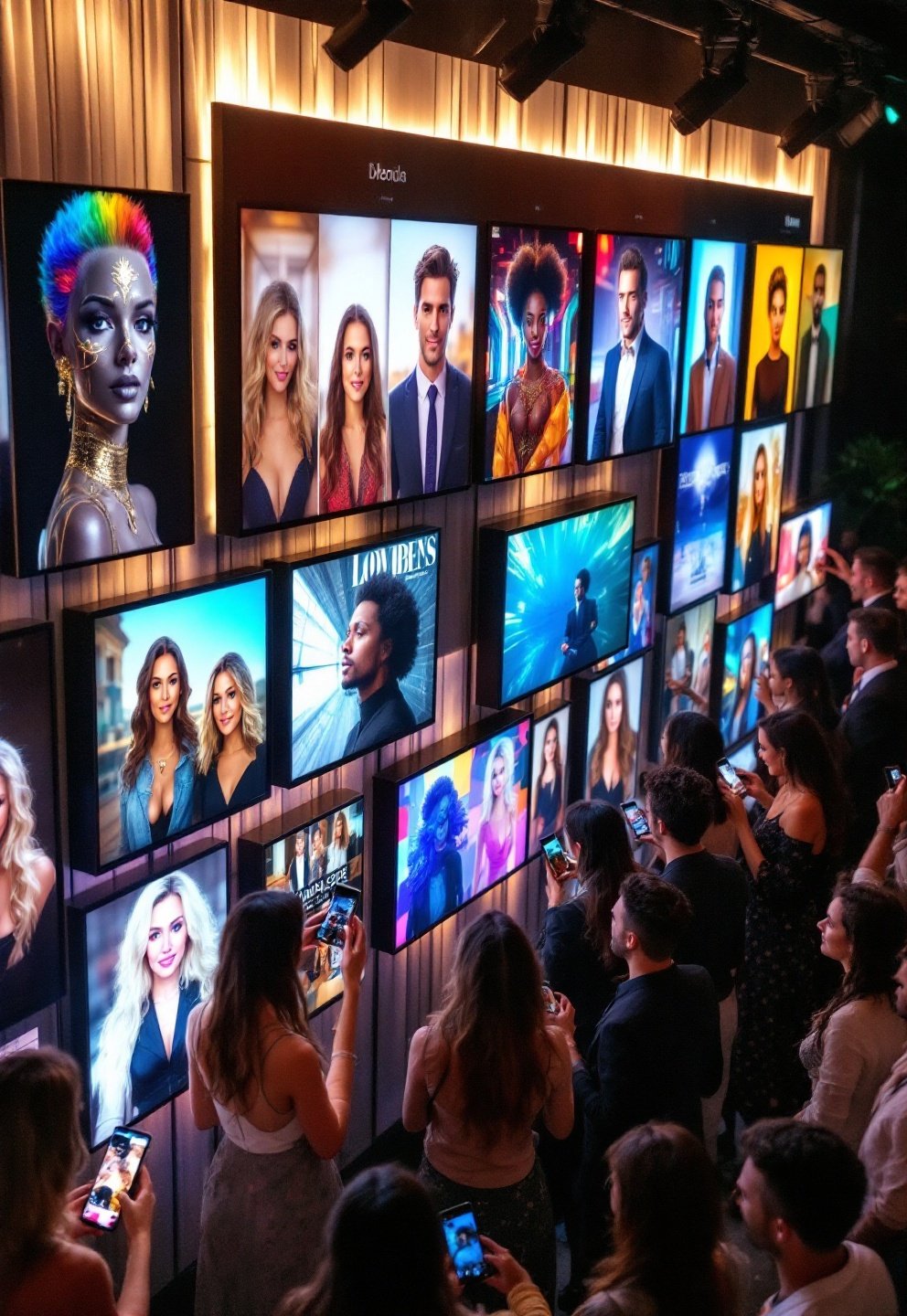
High-impact AI photo booth weddings thrive with stylized guest galleries and instantly shareable “storybook” portraits. AI photo booth corporate activations favor branded magazine covers, executive headshot workflows, and live capture of CRM leads. Brand activations push further: AI-generated fantasy character portraits, AR/360 capture, embedded purchase QR codes.
Sample booking language for each sector:
- Wedding: ‘Require batch gallery of all guest portraits with custom couple-styled AI themes (3–5), on-brand overlay, and download links within 24 hours.’
- Corporate: ‘AI-powered headshot booth flow with CRM integration data capture, custom magazine cover template using company fonts/colors, UTM link for sharing, event analytics export.’
- Brand Activation: ‘Fantasy character generation (guest selects archetype), output designed for TikTok/Reels, 360-degree capture, live QR code integration for promo signup.’
Use-Case Spec Checklist:
1. List creative assets you want (gallery, covers, headshots, fantasy).
2. Demand CRM integration format and consent collection details.
3. Specify turnaround time for deliverables.
4. Request export and analytics file types.
5. Set style/branding doc handoff workflow.
See also: multi-sensory event design for experiential event ideas that pair well with AI activations.
Gaps to exploit — high-value features missing from current vendor offers
Top-ranking online content and most AI booth vendors are barely scratching the surface of what’s possible. Underserved premium niches:
- Executive headshot booth events with live LinkedIn formatting and batch export
- Branded magazine cover templates with dynamic text/logo sync
- Fantasy character generation packages (guests as heroes, icons, etc.)
- CRM and analytics integrations with campaign attribution, UTM links, real-time performance dashboards
- Consent/compliance workflows (sign-on-booth, full audit trail exportable post-event)
Checklist of Features to Demand:
- Specify use-case (headshot, cover, fantasy, analytics)
- Request demo content that matches your activation vision (not just creative “themes” but industry-relevant formats)
- Insist on analytics export examples
- Check for end-to-end consent and compliance handling with sample logs
- Document workflow for training AIs to your brand style
If a vendor can’t cover these, either negotiate them in or look elsewhere.
Common problems event planners report (or should expect) — and how to prevent them
Most event planners encounter at least one of these when booking an AI photo booth event:
- Usability friction: Complex guest interfaces for style/character selection slow down lines
- Customization limits: Branded creative may not match your campaign without real pre-approval rounds
- Throughput inconsistencies: High volumes often mean rushed creative, skipped options, or “stuck” guests
- Pre-event setup drag: Custom scene generation and style upload are almost never plug-and-play
Prevention tactics:
- Pre-event creative signoff (samples approved days in advance, not onsite)
- Onsite attendant scripts for guest management
- Staged, grouped queueing (batch guests with similar style requests to speed up flow)
- Batch presets (avoid on-the-fly prompt selection for each guest during peak times)
Prevention Quicklist:
- Preview and approve all major creative outputs before event
- Finalize and rehearse guest flow with vendor
- Print quick how-to guides at the booth
- Use dedicated queue marshals for brand/corporate activations
For a deeper dive into risk-proofing entertainment, see our event entertainment planner’s guide.
Measuring success — the metrics to demand and analytics to expect
Expectations of an AI photo booth brand activation (or corporate activation) now go beyond laughs and surprise—they include hard marketing KPIs. While no major event (SXSW, CES) has published concrete case studies, leading brands demand:
- Share rates (social/UTM-tracked and on-premises)
- Impressions and engagement time (Booth dwell stats)
- CRM leads captured (cost per lead, conversion)
- Earned media value (if influencer/press presence exists)
- Files delivered/downloads, calls-to-action clicked via links/QR codes
- Time-stamped action logs (for post-event attribution)
Ask vendors how they instrument analytics (are UTM or codes actually appended to assets live, or post-processing only?). Sample reports should be shared before event.
KPI Checklist for Vendor RFP:
- Share and impression tracking baked into asset delivery
- CRM and consent logs exportable by batch, CSV
- Cost-per-lead dashboards if running a marketing campaign
- Time-on-booth/dwell tracking (RFID, tap-in, etc.)
- Export format and delivery time for analytics
More on campaign analytics: industry forecast source.
Technical spec sheet to include in your RFP — minimum viable requirements for a 2026-grade AI photo booth
A best AI photo booth 2026 RFP should go well beyond “nice photo printouts.” Core requirements:
- Must-have AI features: Real-time style transfer, scene/character generation, headshot enhancement, emotion detection, AR or 360 output options
- Performance: Minimum images-per-hour rate at stated quality; local/remote inference details and offline fallback
- Creative assets: Support for custom-branded templates, pre-loaded style/scene libraries, accessible upload for company/event assets
- Integration endpoints: CRM (Salesforce, HubSpot, etc.), analytics dashboard, consent/data export
- Compliance: GDPR/CCPA-compliant consent flows; audit/export trail for guest images and data
- Accessibility: Touchpoint height, multi-language UI, screen-reader compatibility if possible
- Hardware: All-in-one kiosk or deployable kit, with event-ready output formats (JPG, PNG, GIF, MP4)
5-Line Spec Sheet for RFP:
1. Demand output samples from each AI mode
2. Require real throughput proof, not estimates
3. List required data export formats
4. Specify corporate brand assets and file formats
5. Mandate written privacy/compliance statement
Short vendor negotiation playbook — contract clauses and deliverables to secure
For generative AI photo booth hire, your contract is your shield. Lock in the following:
- Acceptance criteria anchored to a pre-event live demo
- Throughput, uptime, and attendant SLA spelled out (with recourse for shortfall)
- Re-run/quality guarantee (if guests are unhappy, is a second take allowed?)
- Data ownership and usage/consent clause (including export rights post-event)
- Social-sharing permissions (clarify rights for vendor/brand/guest usage of images)
- Transparent backup/disaster plan (if cloud fails, what’s your recourse?)
- Itemized fee schedule covering setup, teardown, travel, customization, file delivery, overtime
- Timeline and format for all post-event deliverables
Quick Contract Clauses List:
- Live demo/acceptance requirement
- Throughput/attendant SLA + penalties
- Clear consent/ownership of all guest/brand data
- All fees/fallbacks documented line by line
- Delivery schedule for assets, analytics, and backups
Recommended content assets for your event page or booking site
To convert “AI photo booth near me” and “AI photo booth wedding” searches, your booking landing page must do what the generic competition does not:
- Before/after gallery: show what actual guests get (raw to stylized, basic to fantasy)
- Demo reel: 30–60s video showing guest flow, not only outputs
- Sample magazine covers, headshot flows, and fantasy outputs — visual, not bullet-listed
- Clear price starting points, with a downloadable spec sheet for RFP comparison
- FAQ converting “What is real AI?” into everyday language (with side-by-side examples of filter vs. generative AI)
For maximum impact, supplement your event content with internal links to guides like event entertainment ideas and trending event palettes that inspire broader experience design.
Asset Quicklist for Conversion:
- Upload a demo reel and at least 6 live output examples
- Show comparison images: filter-based, AR overlay, and real AI output
- Create downloadable RFP/spec sheet for planners
- Write a transparent “How Our AI Booth Works: Step-by-Step” section
How can I tell if a photo booth is truly AI-powered or just uses filters?
Ask for live demonstrations of real-time style transfer, generative backgrounds, and headshot enhancement — plus unedited output examples. Static overlays or “beauty modes” are not generative AI; real AI booths synthesize new scenes or provide adaptive, content-aware enhancements.
What’s typical throughput for top AI powered photo booth rentals at busy events?
Leading systems claim up to 1,000 images in five minutes, but realistic high-quality throughput is typically 200–500 images/hour, depending on style complexity and number of attendants. Always confirm SLA in writing before booking.
Which event types get the most value from an AI photo booth rental?
Brand activations and corporate activations maximize ROI due to branded creative content, CRM lead capture, and social engagement, but weddings benefit from stylized guest galleries and custom portrait outputs as well.
What’s the #1 overlooked contract clause with AI photo booth hires?
Data ownership and usage: always require clear clauses stating you retain rights to all guest images, CRM/lead data, and brand assets—plus a full consent workflow compliant with relevant privacy regulations.